
Home / Guide
How e-tickets work
Dream Ticket tickets are not paper. Your smartphone screen is your ticket. On the day, just show the QR code at the door.
- 1Open My pageYour purchased tickets are there
- 2Tap "Show ticket"The QR code appears
- 3Show it at the doorGet it scanned and go in
STEP1
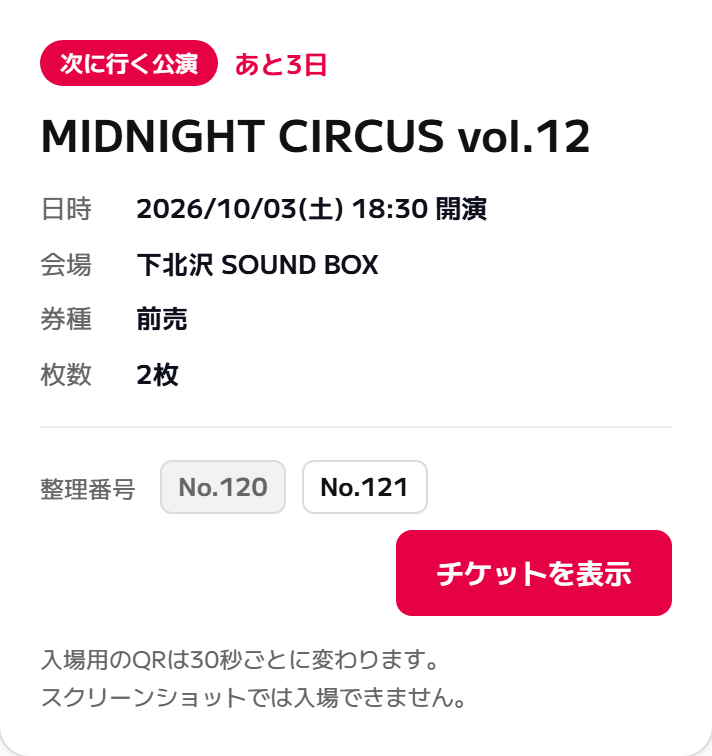
After you buy, the ticket appears on your My page
Once payment is complete, your tickets are listed under "Upcoming events" on My page, which you open after logging in. Your entry number is shown there too.
- No paper tickets are mailed, and there is no ticket pickup at convenience stores
- You also get a confirmation email. Even if you cannot find the email, you are fine as long as the ticket is on your My page
- If you bought two or more tickets, one entry number is listed for each ticket
STEP2
Tap "Show ticket" to bring up the QR code for entry
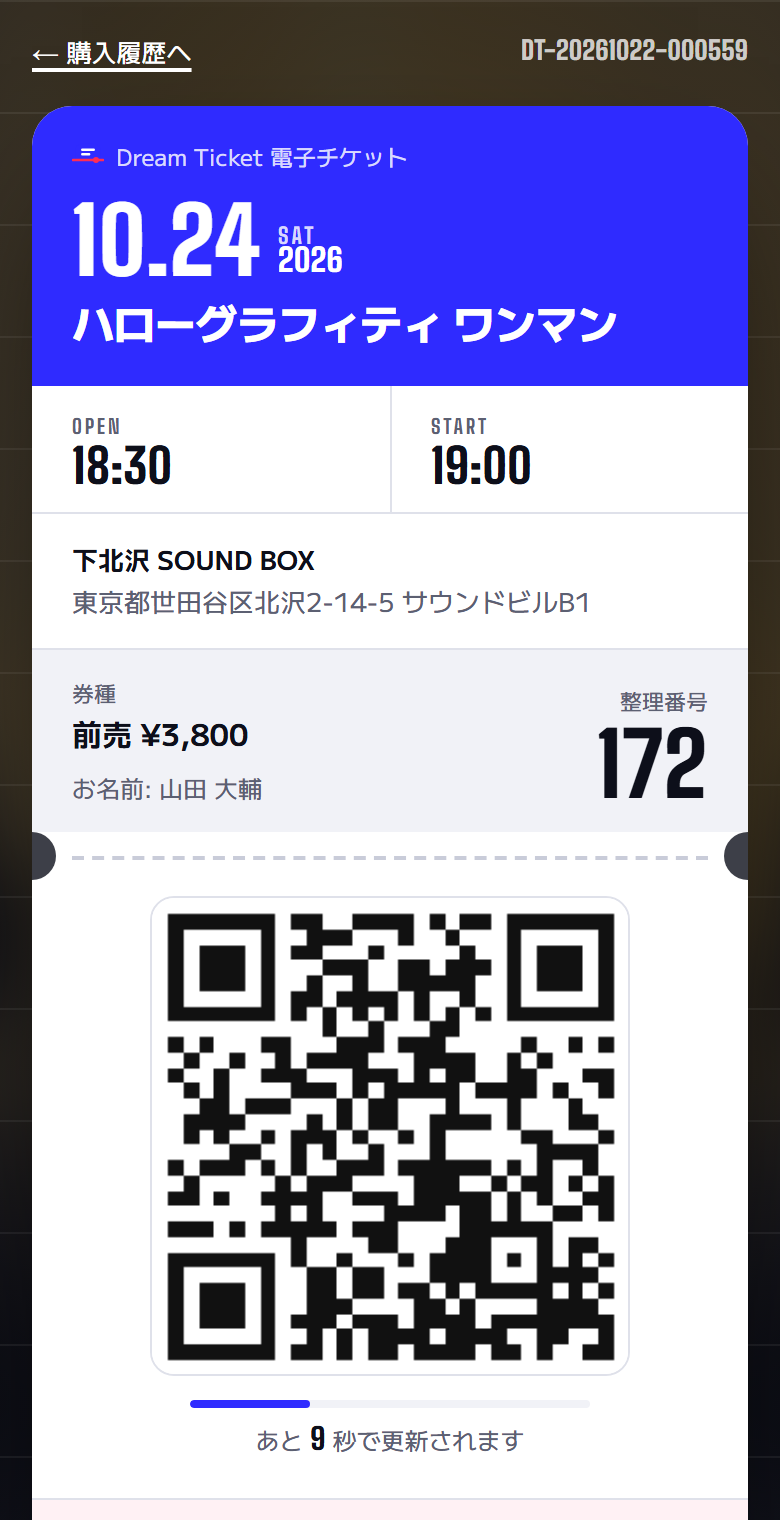
The ticket screen shows the following.
- Event
- Event name, date and time (doors and start), venue and address
- Ticket type
- The type, such as advance or door, and the price
- Entry No.
- The number used for the order of entry (the large number at the top right)
- Name
- The name registered at the time of purchase
- QR code
- What gets scanned at the door
Your identity may be checked on entry. To be safe, please also bring something that shows your name (such as photo ID).
STEP3
Show the QR code at the door and have it scanned
Open the ticket screen at the door and hold the QR code toward the staff. Once it is scanned, you can go in.
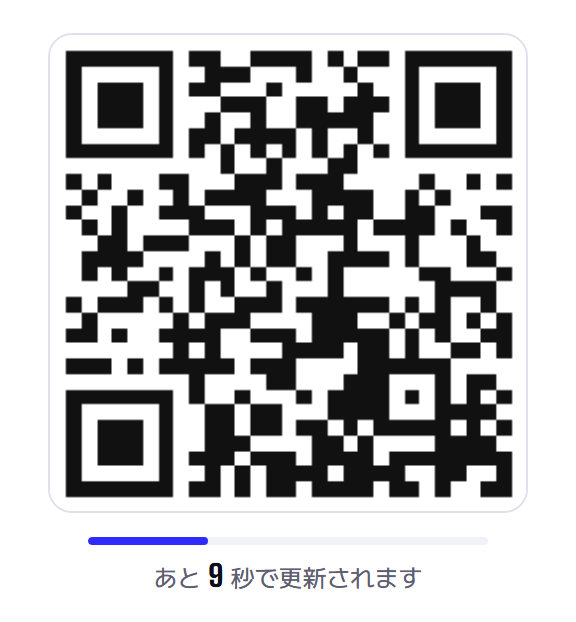
The QR code changes every 30 seconds
Below the QR code you will see "Refreshes in ◯ seconds". This means you cannot enter with a screenshot. It is a mechanism to prevent resale and reuse. Please open this screen and show it right before you enter.
- Turning up your screen brightness makes scanning faster
- If glare from a screen protector or a cracked screen makes it hard to scan, tilt the phone slightly
- Once scanned, a ticket is marked "Checked in" and cannot be used again
Good to know
You can get in even at venues with no signal
The device at the door downloads the attendee list in advance, so check-in works even where there is no signal, such as basement venues. However, your phone needs a connection to display the QR code, so it is safest to open the ticket screen before you arrive at the venue.
If you bought two or more tickets
If an order contains more than one ticket, you can hand them to your companions one at a time by URL using "Give to a friend for free" in My orders. Each recipient can then display the QR code on their own phone. Alternatively, the purchaser can show the QR codes for everyone and enter together.
If you change phones or forget your phone
Your tickets are stored in your Dream Ticket account, not on the phone itself. On another phone, just log in with the same email address and you can display them from My page.
If you can't make it
Resale above face value is prohibited by law. If the event is cancelled, you receive a full refund.Learn more
Checklist for the day
- I checked by the day before that I can log in
- My phone is charged
- I opened the ticket screen before arriving at the venue
- I turned up the screen brightness
- I have something that shows my name (such as photo ID)